Ansary PageForge
An offline PDF suite for Windows. Read, organize, edit, convert, compress and OCR your PDFs with no internet and no subscription.
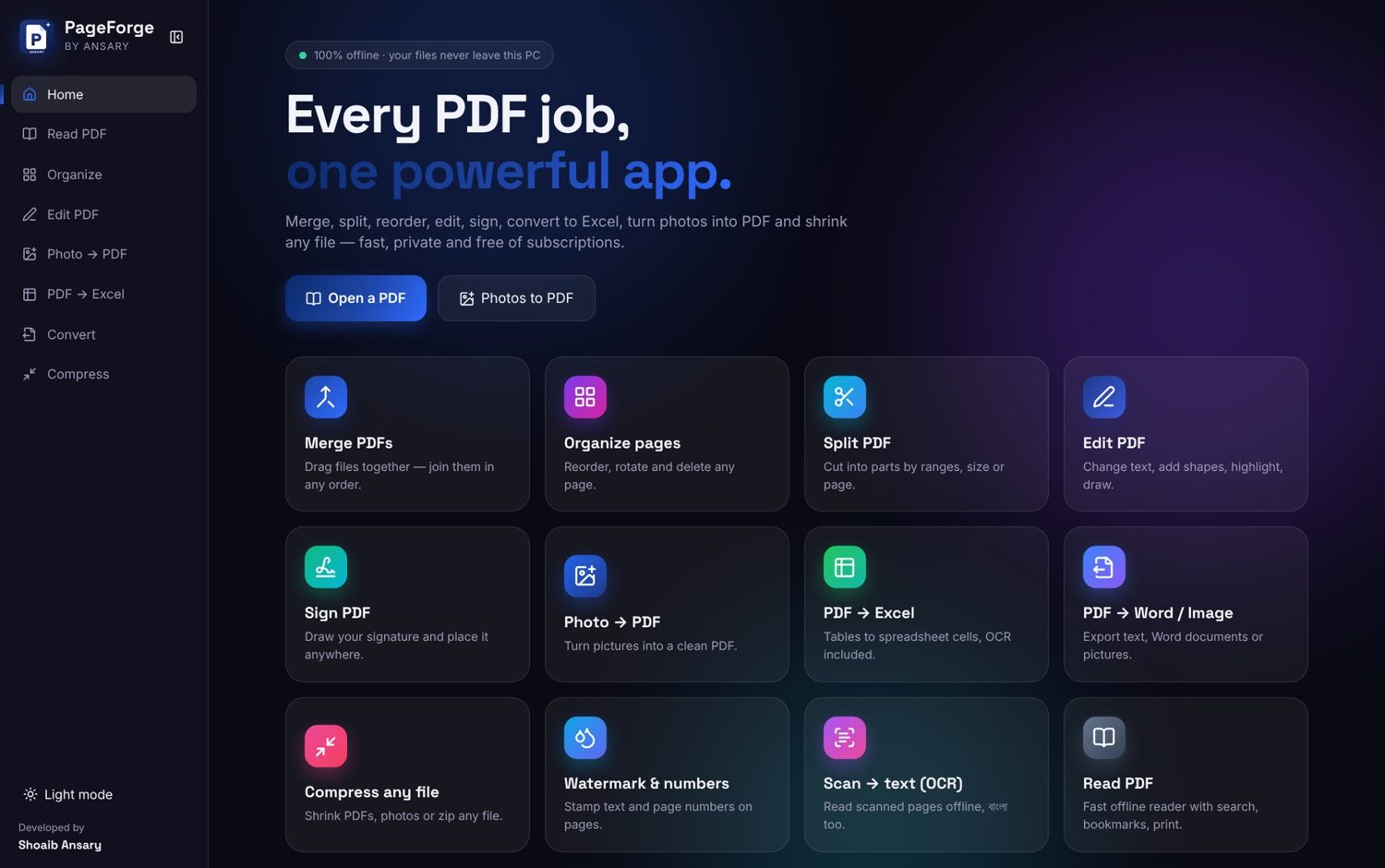
Open it. Click a tool. Done.
A quick tour of the real app: open the launcher, jump between tools from the sidebar and see each screen do its job.
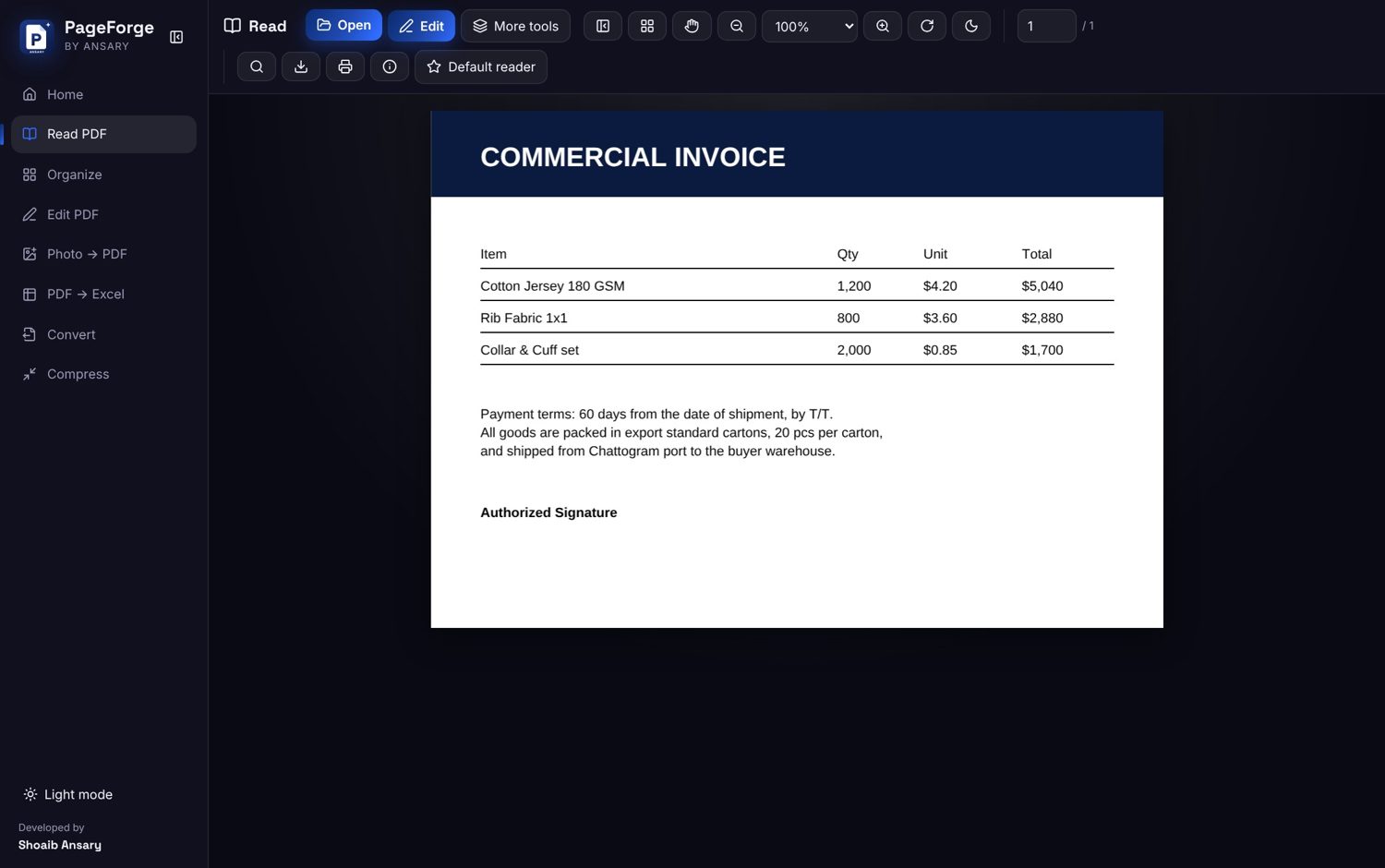
Opens centred, zooms where you point
The whole page shows centred on open. Hold Ctrl and scroll to zoom at the cursor, just like Acrobat.
- Smooth, accurate zoom at any size
- Drag to pan, hide sidebars for room
- Tabs, new windows and print preview
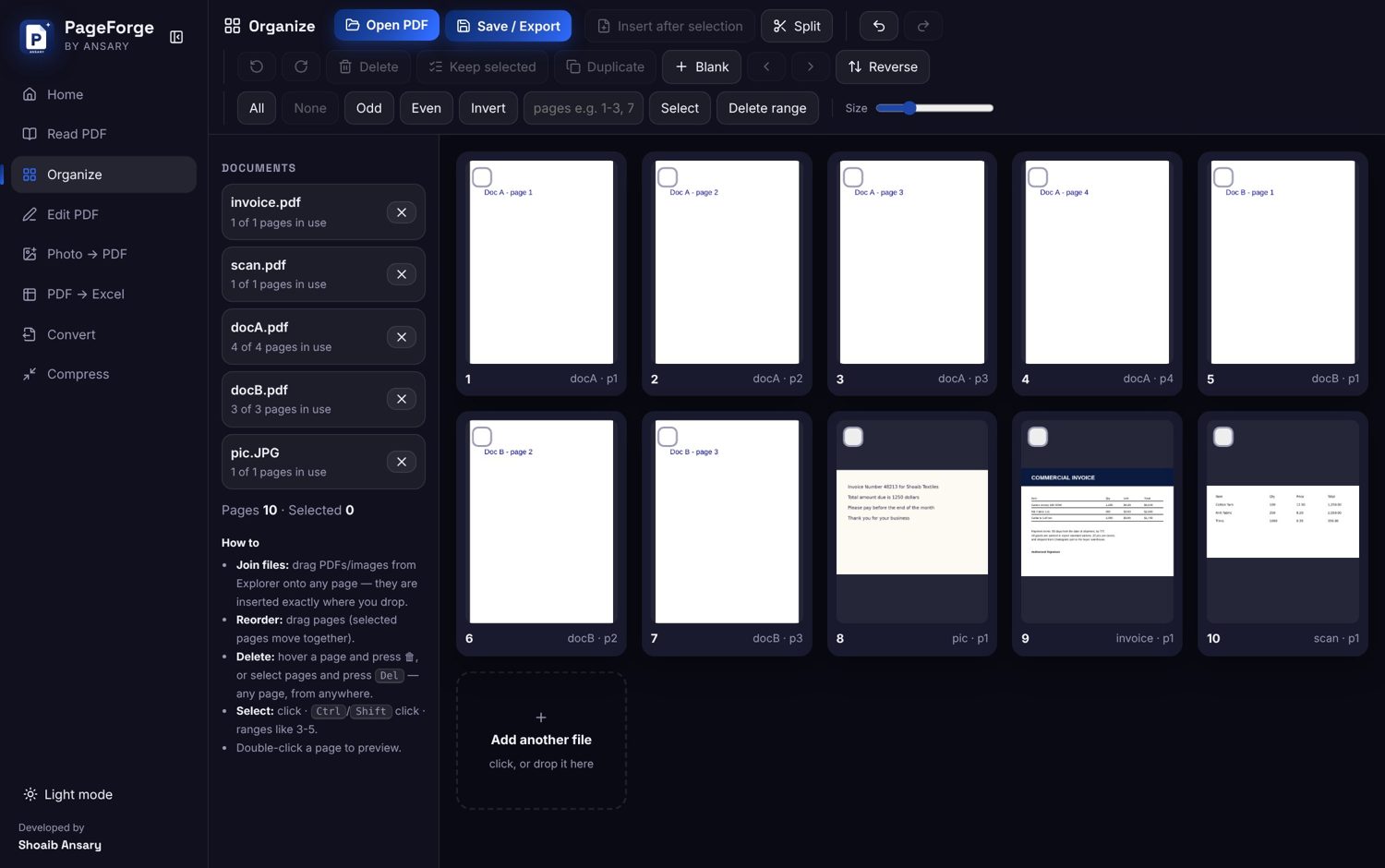
Rearrange pages in seconds
See every page as a thumbnail and fix a document without leaving the app.
- Merge, split and extract pages
- Reorder, rotate and delete
- Insert pages from another PDF
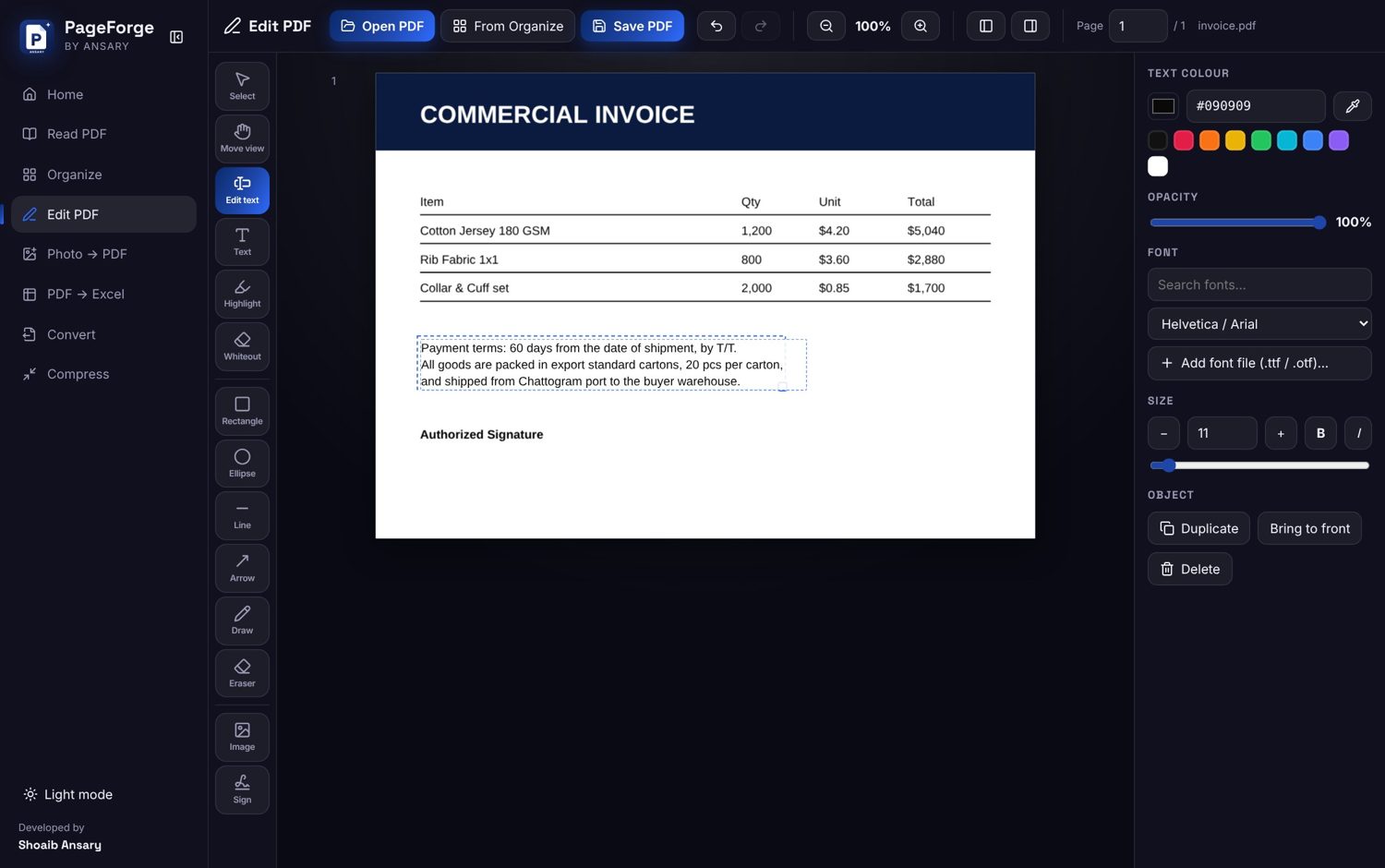
Click a line and type, like Acrobat
The caret lands where you click. Only the old text is removed, so tables and watermarks stay intact.
- Works inside boxes and table cells
- Fonts, sizes, colours and an eraser
- Warns before closing with unsaved edits
Any PDF becomes editable Word
A real .docx you can open in Microsoft Word and keep typing in, even from a scanned PDF.
- Fonts, sizes and paragraphs kept
- Tables rebuilt from the page lines
- Watermarks dropped, pictures optional
Real layout
Looks like the PDF, edits like Word.
Tables kept
Borders and merged cells included.
Scans too
Offline OCR makes the text editable.
One click
Pick pages, press Convert, done.
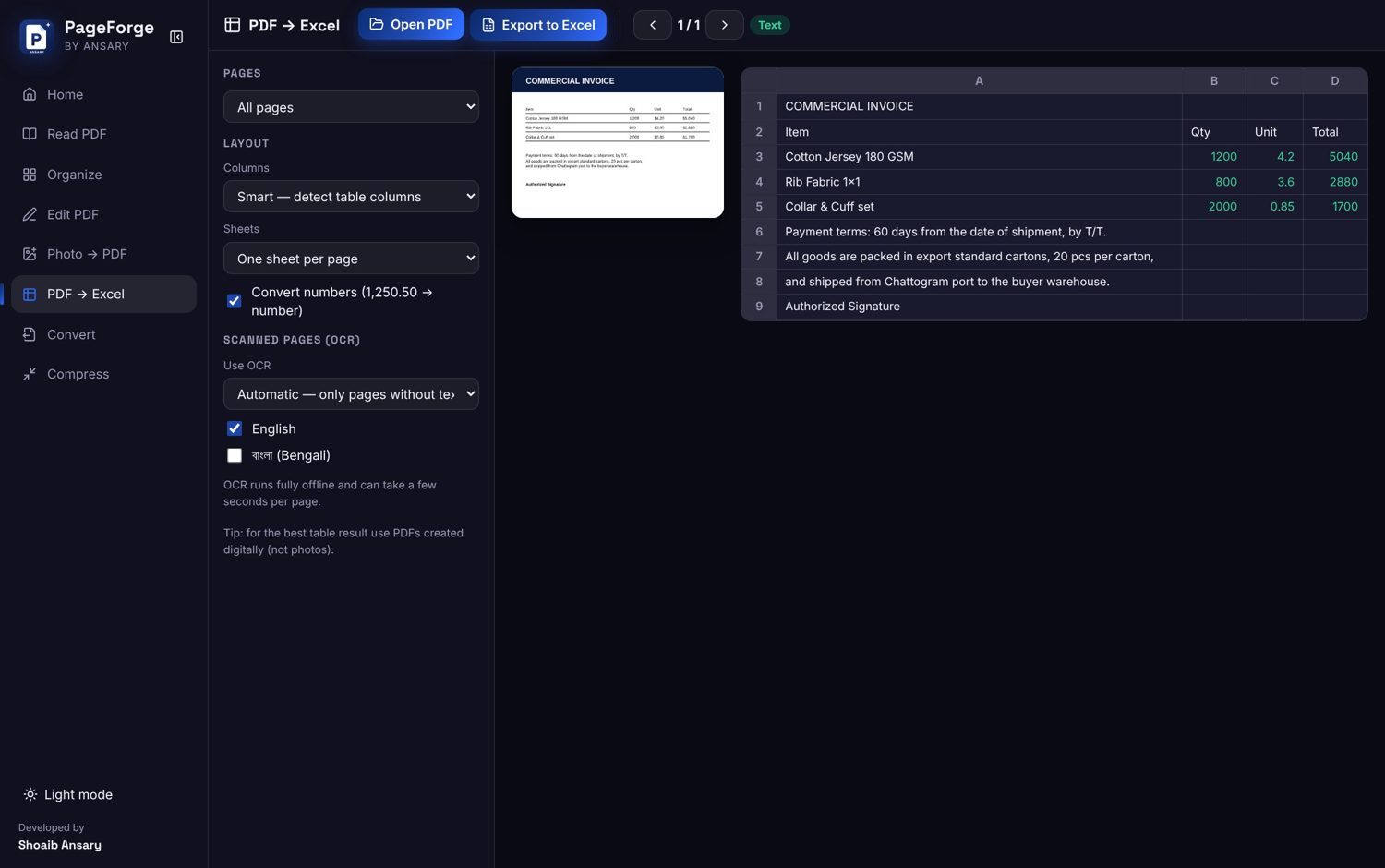
Tables land in real cells
Columns are detected automatically and numbers become real numbers, ready for formulas.
- One sheet per page, or all in one
- Smart or plain layout
- Scanned tables read with OCR
Photos to PDF and back again
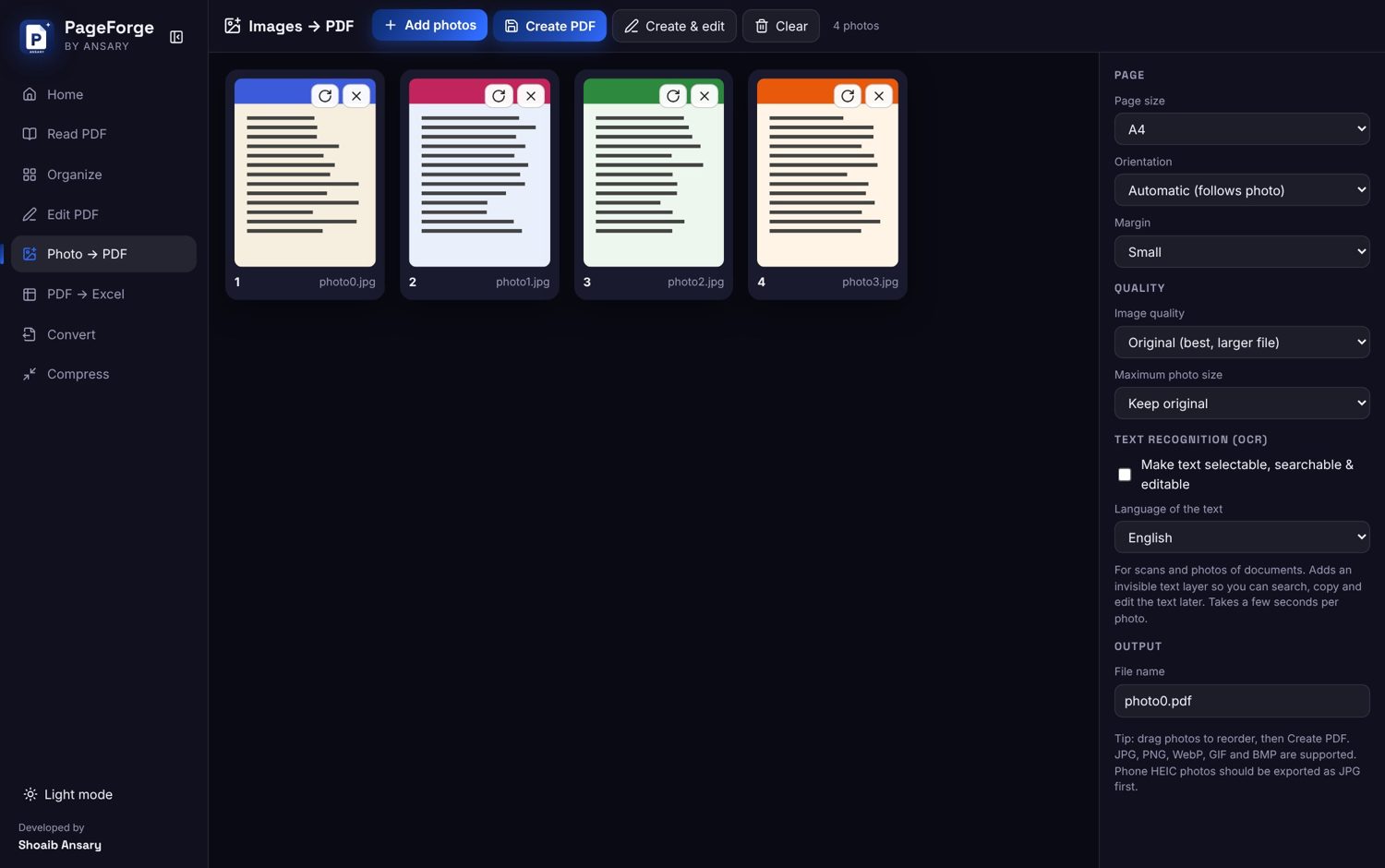
Combine photos into one PDF, or export every page as a picture.
- JPG or PNG up to 300 dpi
- Scan cleanup before saving
- ZIP all pages in one click
Small enough to send
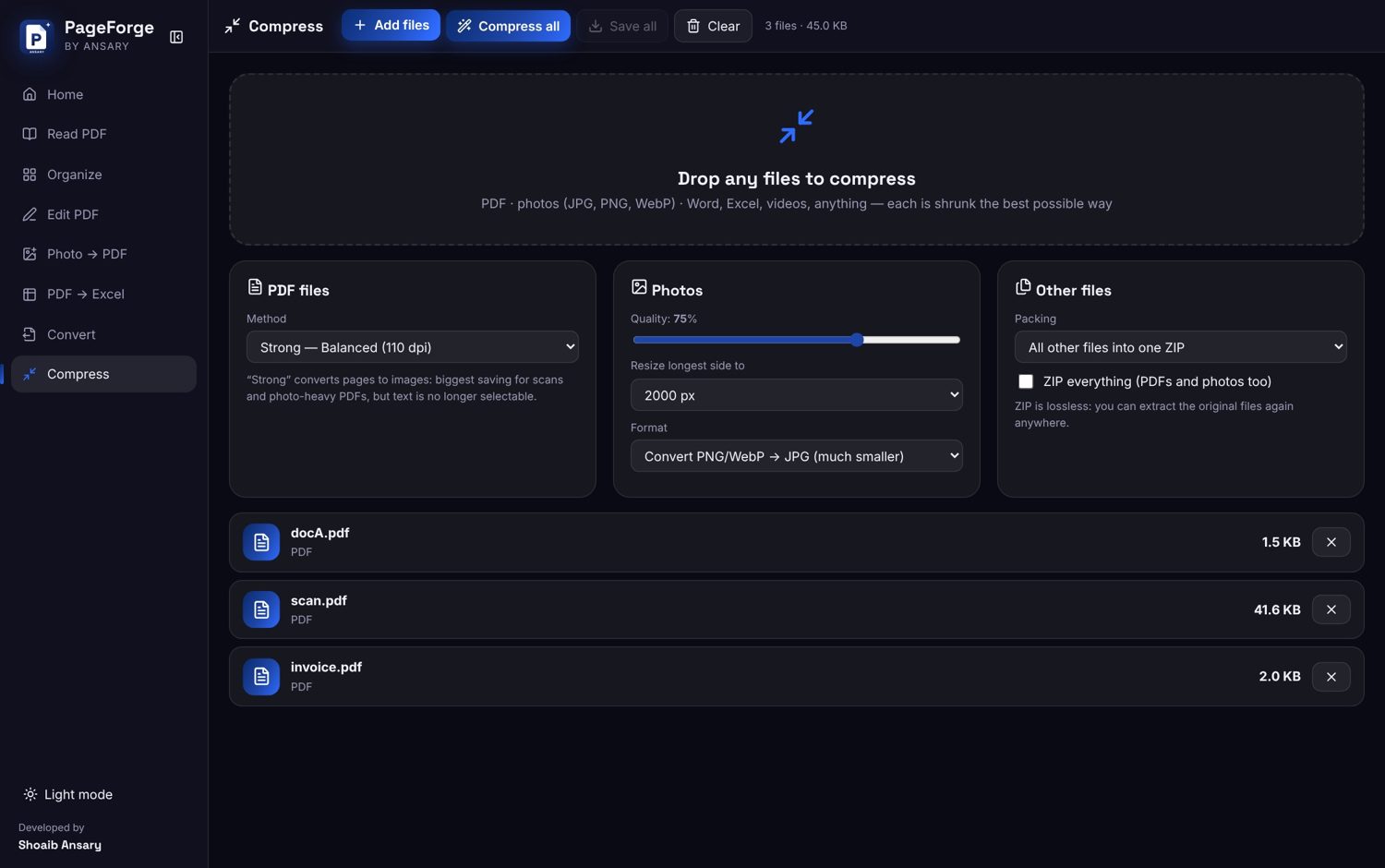
Shrink heavy PDFs for email and uploads without sending them anywhere.
- Pick the quality level you need
- Batch several files at once
- Everything runs on your PC
Reads বাংলা too
Scanned pages turn into real text in English and Bengali, fully offline.
- No internet or cloud OCR
- Language packs built in
- Used by Word, Excel and scan editing
Offline OCR
Recognition runs on your own computer.
English + বাংলা
Tick one or both languages.
Edit scans
Click scanned text and change it.
Any PDF
Native or scanned, it just works.
Feels like real desktop software
Default PDF reader
Double-click any PDF in Windows to open it here.
Tabs & windows
Keep many PDFs open in tabs or their own windows.
Compact toolbars
More page, less clutter, with sidebars you can hide.
Normal installer
Install once like any Windows app, with a desktop icon.
Print preview
Check pages before they reach the printer.
Light & dark friendly
An orange icon that stays visible on any taskbar.
What it is built with
Desktop app
Electron shell with a normal Windows installer and shortcut.
PDF core
PDF.js and pdf-lib read, edit and write pages locally.
OCR
Tesseract runs offline with English and Bengali data.
Licensing
Signed per-computer codes, plus a 2-month free trial.
Fonts
Installed fonts plus bundled look-alikes for Myriad-style text.
Safety nets
Warns before you close with unsaved edits.

Message me to buy a licence
2 months free to try, then one payment for life.
WhatsApp 01764573337shoaibansary.com